Skip to content

Free preview for Windows and macOS

Show how it works. Skip the paragraph.

Liveora is two desktop apps for people who explain software. Studio records the walkthrough and turns it into a clean video. Snap turns a screenshot into a bug report someone can act on.

No account · tested on Windows 11 · macOS builds untested

Refund an order.mp4

Two apps, one grammar

A video when it moves. A picture when it doesn't.

Liveora Studio

Screen recorder & video editor

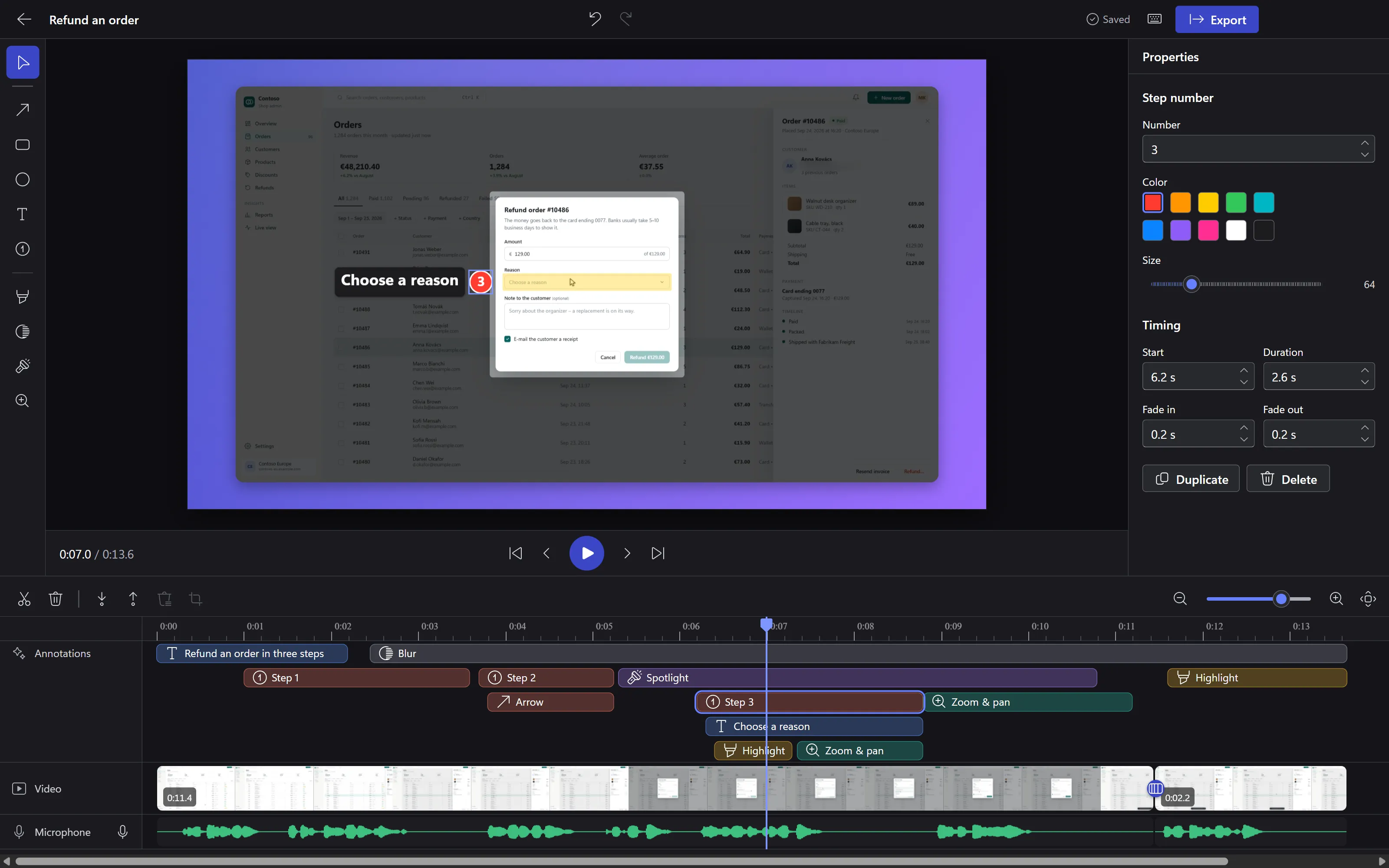
Record the walkthrough once, then make it watchable: cut it on a timeline, add steps, spotlights and zooms, and export a file that plays anywhere.

  • Screen, window, region, or a real browser tab with its sound
  • Arrows, callouts, steps, blur, spotlight, zoom & pan: each one a clip with its own timing
  • Eight backdrops, fourteen effects, thirteen transitions
  • MP4, WebM or GIF that matches the preview frame for frame
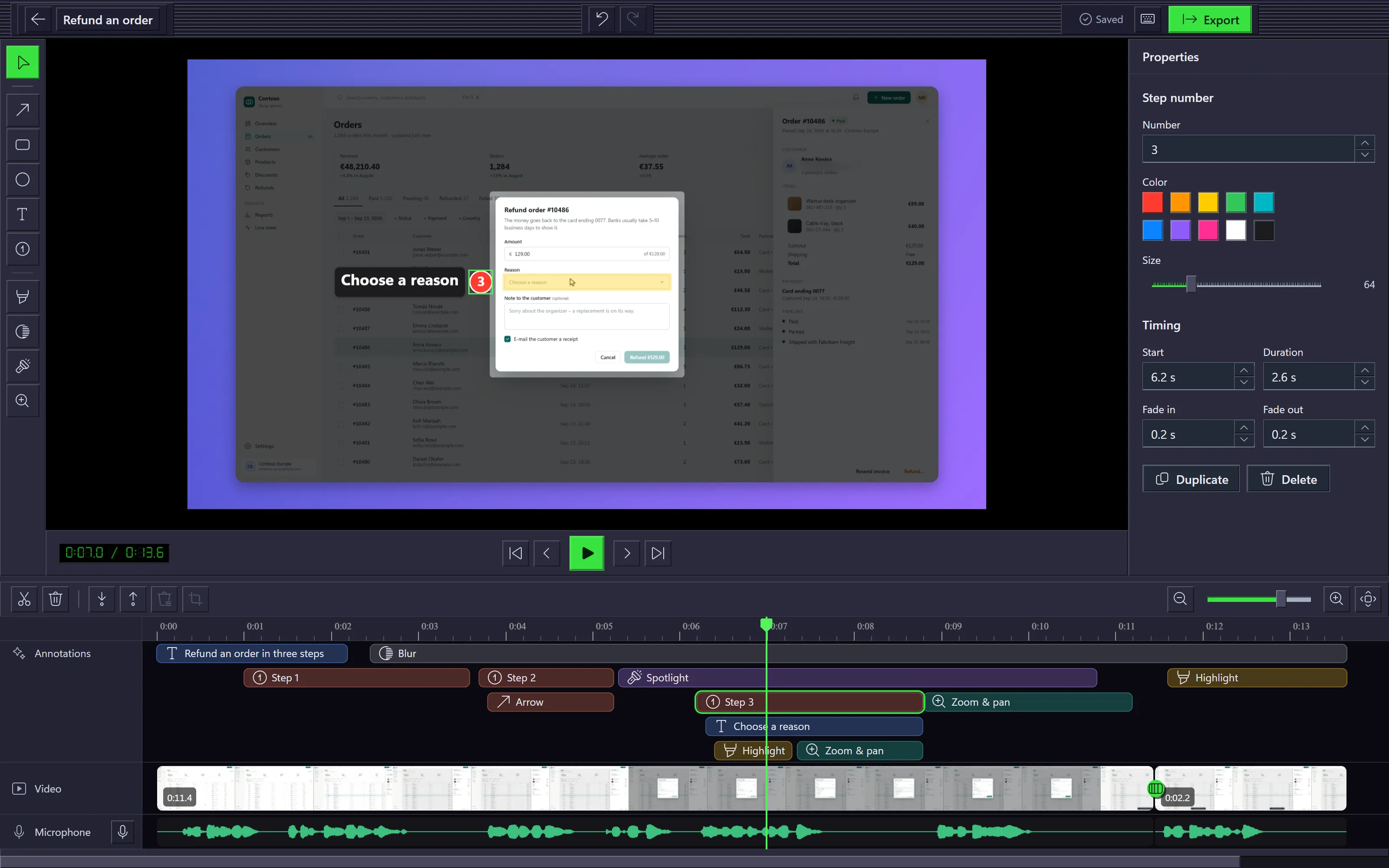
Liveora Studio's editor: a demo shop's refund dialog with a spotlight, step 3 and a callout above a timeline of clips

Liveora Snap

Screenshot & markup tool

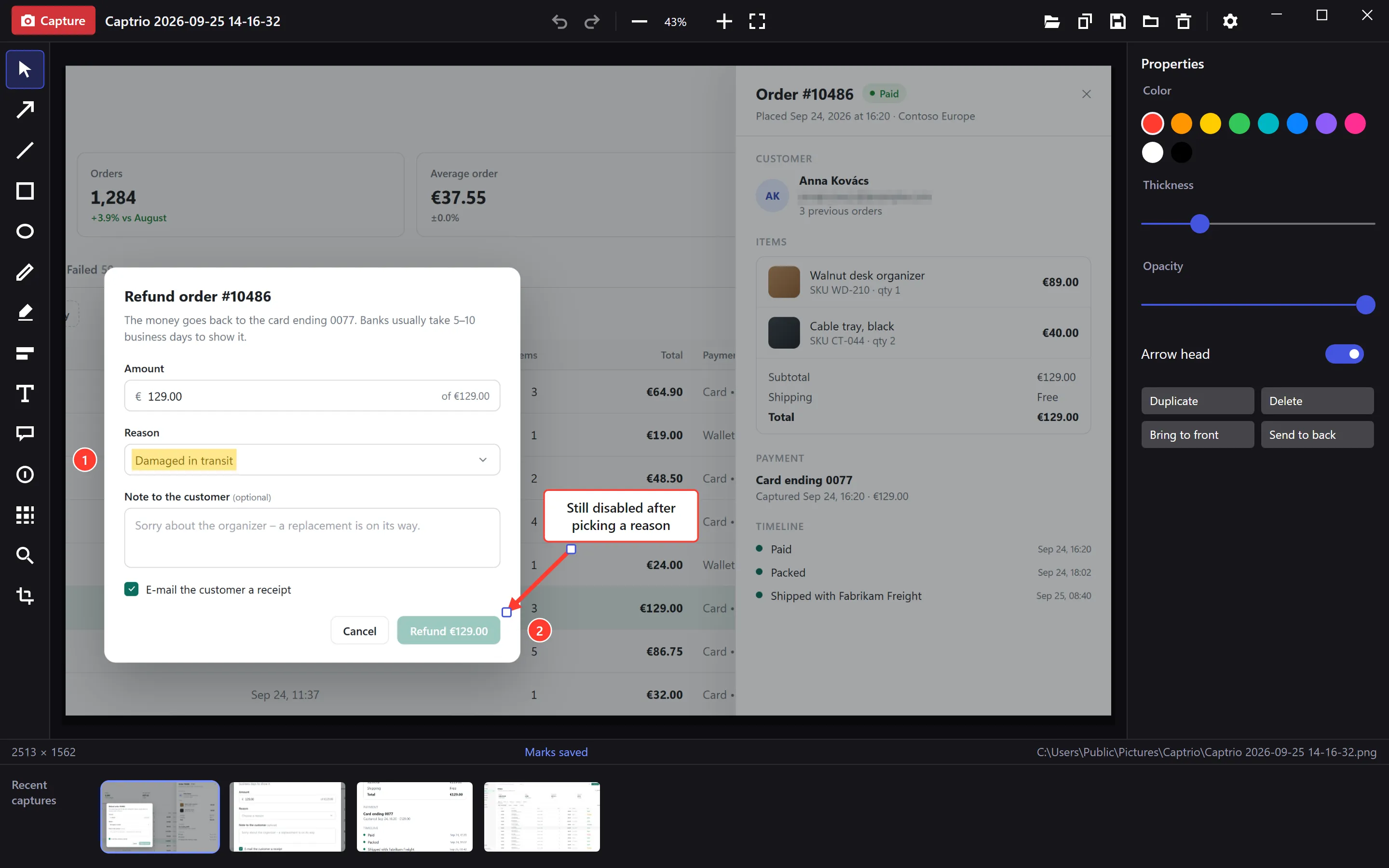
Grab the part of the screen that matters, point at the problem from the keyboard, and paste it where the conversation is.

  • Region, window or full screen, one shortcut each
  • A frozen screen with a loupe and size readout, so the edge lands where you meant
  • Twelve tools, one letter each: arrow, callout, step, blur, magnifier…
  • Marks stay editable next week; the saved PNG is what the editor showed
Liveora Snap's editor with a bug report: the chosen reason highlighted, steps 1 and 2, a note, an arrow and a pixelated e-mail

Built the same way, on purpose.

Learn one and the other already feels familiar: the same keys for the live tools, the same skins, the same bracket mark around everything you capture.

No account, no cloud

Captures and recordings stay on your disk. Studio uploads only when you share to your own OneDrive or Google Drive.

What you see is the file

In both apps the editor and the export use the same renderer. No surprises after the progress bar.

Keyboard first

Every Snap tool has one letter. Studio splits with S, marks a range with I and O, and lists every shortcut on ?.

Three skins

A clean default, a Winamp-era classic and a green-on-black Matrix. Both apps come with the same three.

Live tools

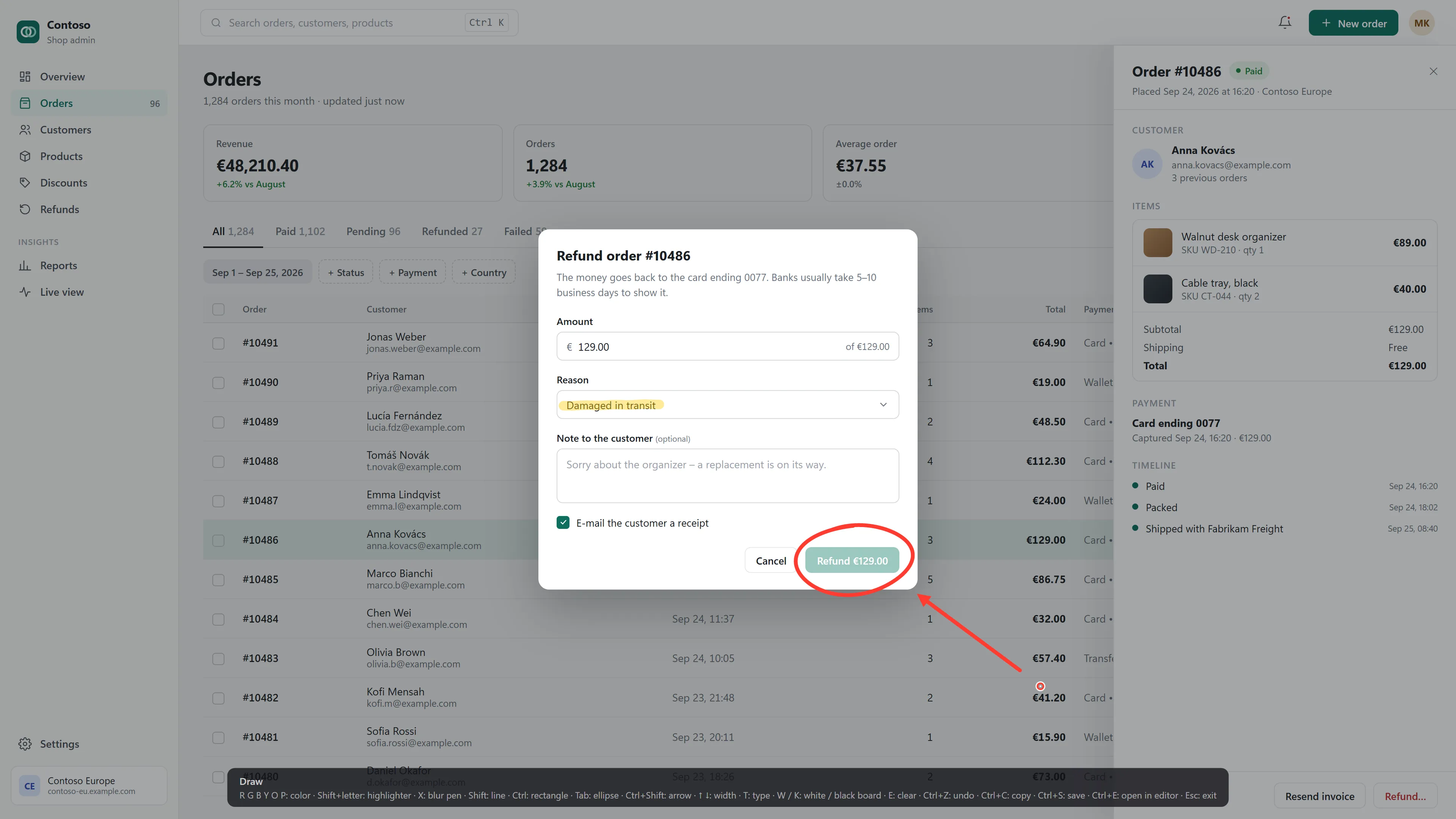
Draw on the screen while it's running.

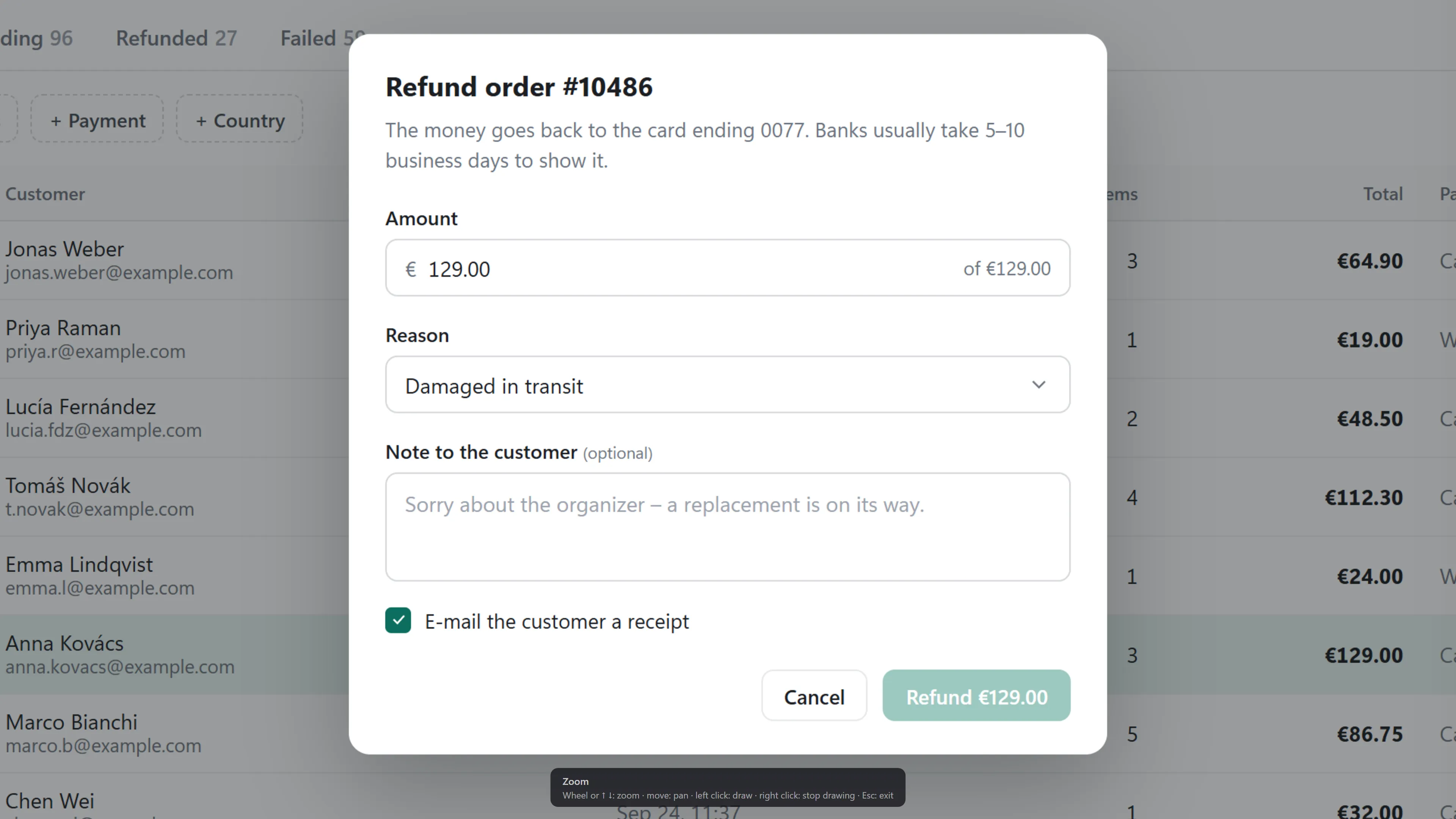
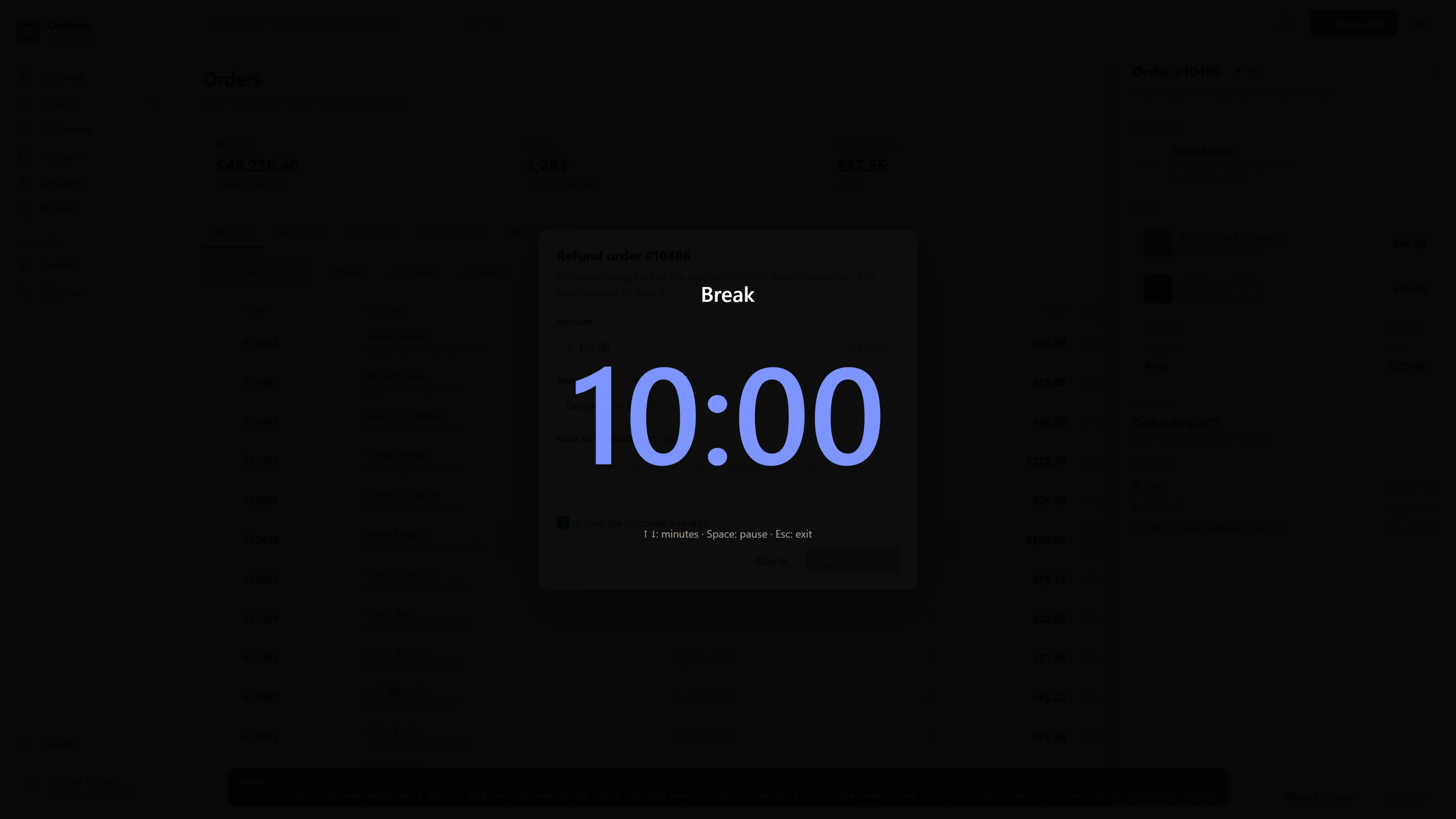
ZoomIt's keys, from any app. In Snap, CtrlE opens the marked-up screen in the editor with every mark still editable. In a Studio screen or region recording, the marks go into the video.

Live zoom: a frozen, magnified part of the demo shop

Same tools. Three moods.

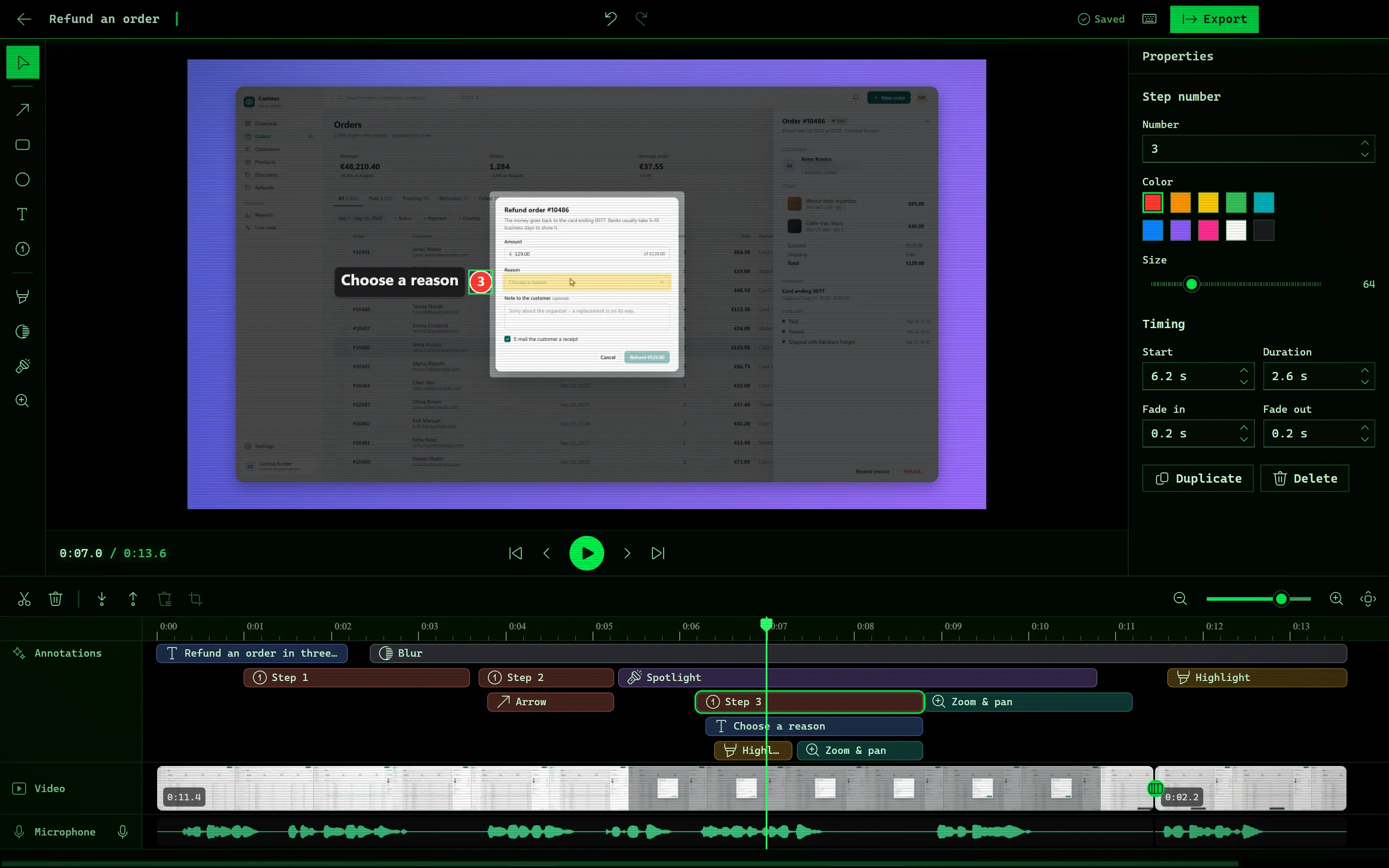
The skin is one setting. Here is Liveora Studio's editor in each of them, on the same project.

Liveora Studio · Default skin
Liveora Studio's editor in the Default skin

Questions people
ask first

Nothing for now. Studio and Snap 0.1.0 are free preview builds. Paid licences will be sold on this site later; there is no price yet.

Stop typing the steps. Show them.

Studio 0.1.0 and Snap 0.1.0 are free previews. Paid licences will be sold on this site later.

Every system, size and checksum